Clear Estimates
No repair begins without approval.
Some technology problems can be solved remotely without a trip to the shop. Geek2Go offers remote support for software issues, email troubleshooting, account setup, printer help, updates, cleanup, and guided tech support for eligible issues.
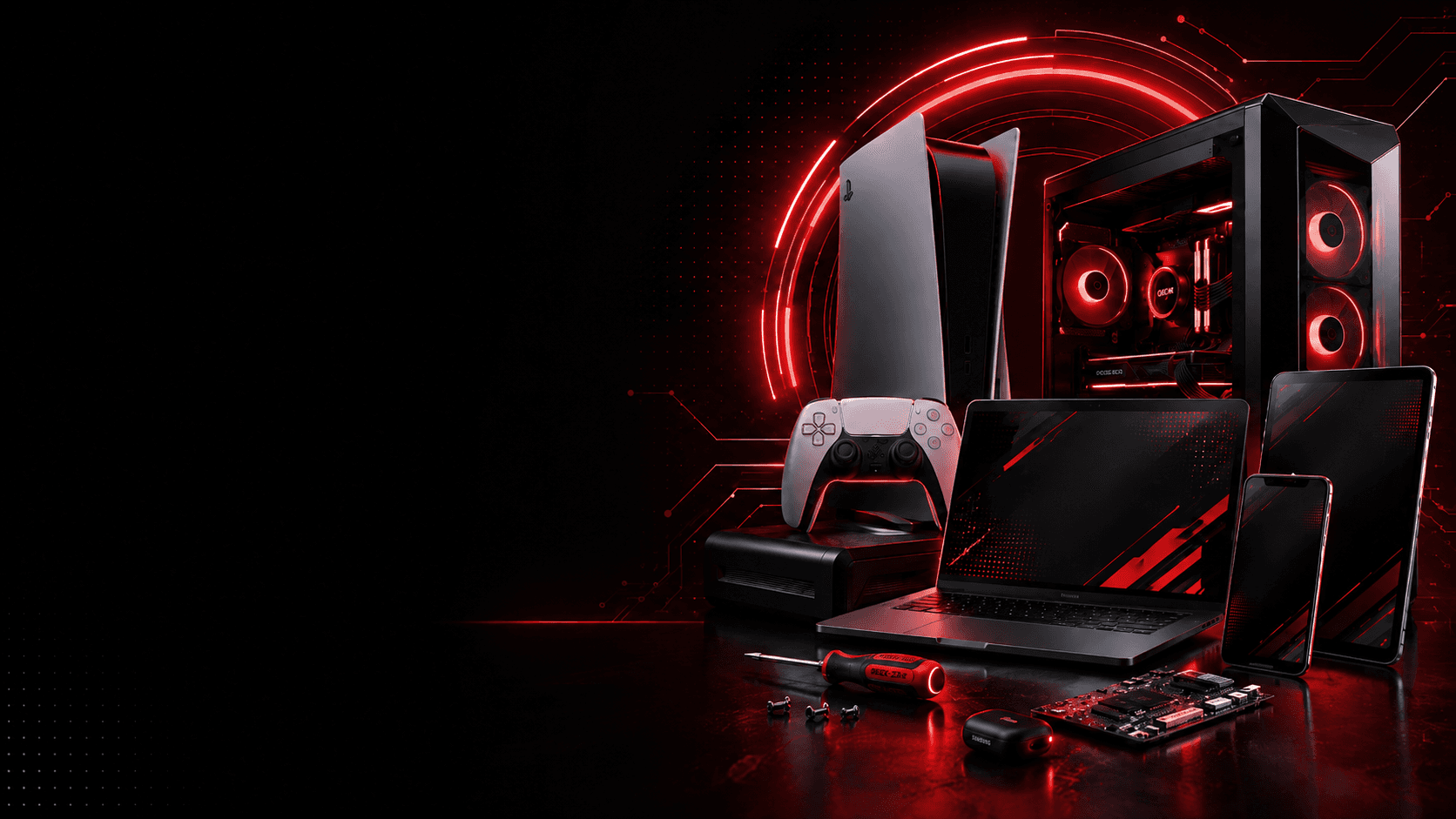
Common repair issues
Remote support works best for software-related problems, account setup, general troubleshooting, updates, and guided help. If the issue requires hardware repair, physical inspection, parts, diagnostics, or data recovery, Geek2Go may recommend in-store service instead.
Repair work
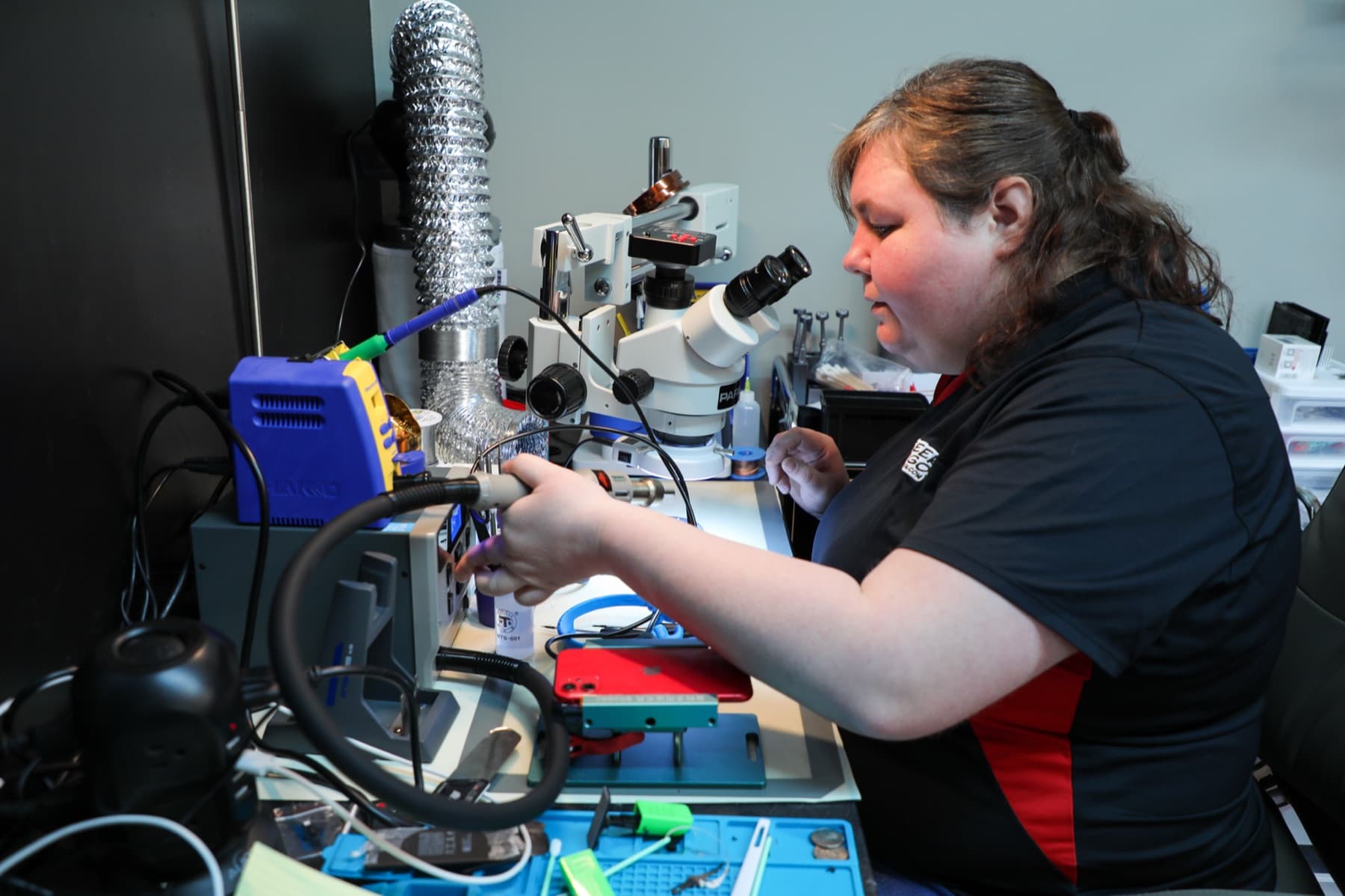
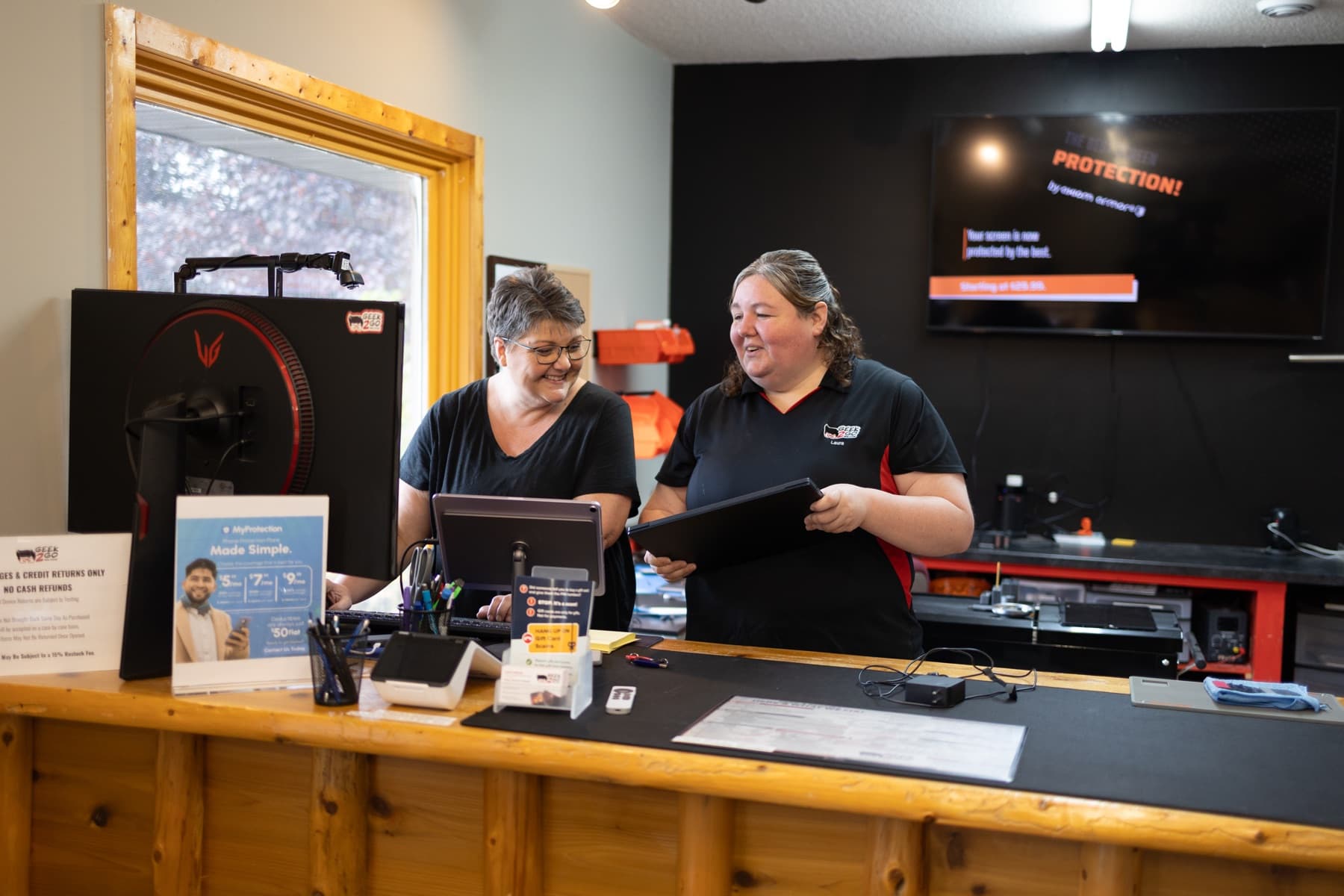
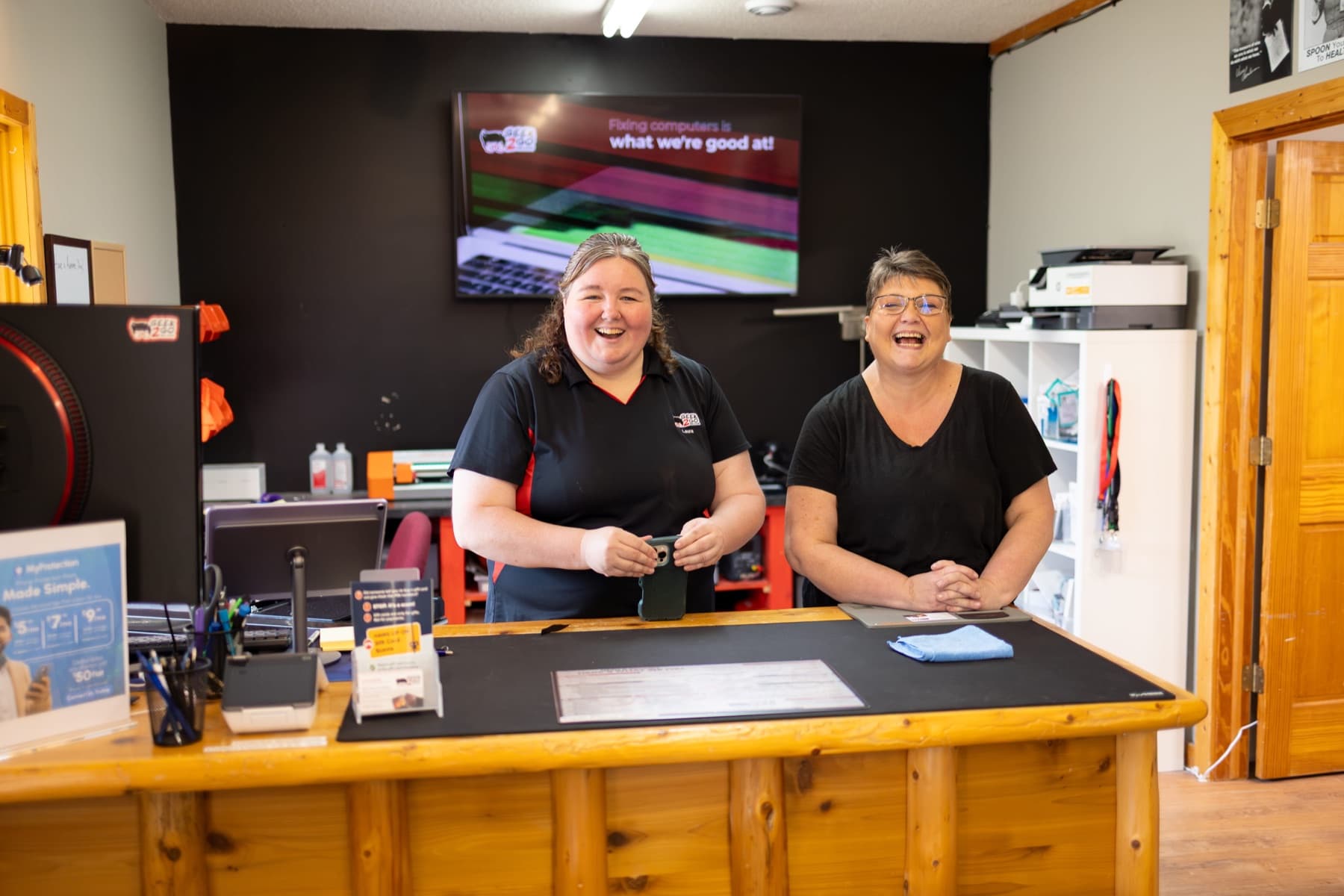
These photos represent actual Geek2Go repair, diagnostics, and customer support work.
What to expect
Before repair work begins, Geek2Go reviews the issue, discusses available options, and provides an estimate for approval. Qualifying repairs include warranty coverage based on the repair type, device condition, and parts used.
No repair begins without approval.
Warranty coverage varies by repair type.
Honest recommendations based on value.
Questions
Short answers to the questions customers usually ask before choosing a repair.
Sometimes. Remote support is best for software issues, setup help, email problems, updates, and guided troubleshooting. Hardware issues usually need in-store service.
Yes. Remote support sessions require your permission and are used only to assist with the issue you contacted Geek2Go about.
In some cases, yes. If the concern is more serious, Geek2Go may recommend an in-store security review or malware cleanup.
Yes. Geek2Go can often help with email setup, password resets, account settings, and general account troubleshooting.
Remote support is included with select Managed Care plans during normal business hours.
Local service area
Geek2Go is located in Pequot Lakes, but many customers visit us from Brainerd, Baxter, Nisswa, Crosslake, and surrounding communities because they want honest repair advice, clear estimates, and local support from a shop that handles phones, tablets, computers, Macs, game consoles, and data recovery under one roof.
For tech help without bringing your device into the shop, we serve customers across the Brainerd Lakes Area, including Pequot Lakes, Breezy Point, Crosslake, Nisswa, Brainerd, Baxter, Pine River, Jenkins, and Emily.
What customers say
Customers choose Geek2Go for honest answers, practical repair options, and local service they can trust.
Ready for the next step?
Tell us what device you have, what happened, and what you need help with. We'll review your situation and point you toward the best next step.